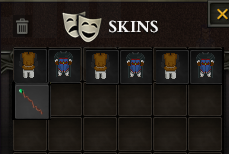
Skins System
Within Argentum Online, there is a Skins system that allows users to change their appearance and stand out among adventurers. Items consumed and applied in the Skins menu will only be available to active Patreon users.
1) The first step is to have an active Patreon subscription and have Credits, which are necessary to make exclusive purchases.
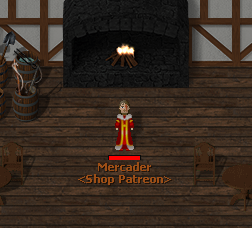
2) Visit 'The Harassed Inn': Located in the cities of Banderbill and Arkhein, inside you'll find the NPC 'Patreon Merchant'. By interacting with him, you can choose your favorite skin from the available catalog.
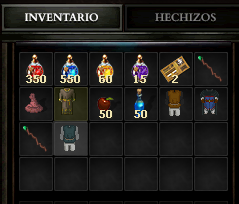
3) Use the purchased item: Once you buy your skin, consume the item to activate it. You can then equip it from the 'Skins' menu to show off your new style in the world of Argentum.